I don't think I ever swear on social media, but this one is worth it: holy shit! A JSON-based project format for Xcode! 🤯
 mastodon 4.8.0-nightly.2026-10-06
I write Swift and write about Swift, but most people prefer my dogs.
I picked up a lovely piece of 3D printing for Apple fans! 🤩
There's an open-source SwiftUI agent skill that catches the mistakes AI tools keep making: deprecated modifiers, accessibility gaps, performance pitfalls. One command to install, and your AI-generated SwiftUI gets a serious quality boost. https://www.hackingwithswift.com/articles/282/swiftui-agent-skill-claude-codex-ai
Did you know you can build static websites using Swift code and SwiftUI-like syntax, with no HTML or CSS required? Ignite comes with built-in components like accordions, carousels, and syntax highlighting, plus a local preview server for testing. https://github.com/twostraws/Ignite
ViewThatFits tries each layout you provide and picks the first one that fits the available space 🎯 It's the easiest way to make your app look great on every screen size. https://www.hackingwithswift.com/quick-start/swiftui/how-to-create-an-adaptive-layout-with-viewthatfits
What if you could build websites the same way you build SwiftUI apps, declaratively in pure Swift with no HTML required? That's the idea behind Ignite, and it works surprisingly well. 🔥 https://www.hackingwithswift.com/articles/266/build-your-next-website-in-swift
For HWS+ subscribers: Building a fully scalable, animated clock face with Canvas and TimelineView is a satisfying exercise in precise, relative drawing - and it looks great at any size. 🕰️ https://www.hackingwithswift.com/plus/recreating-ui/remaking-the-clock
One of my favorite recent additions to Swift Testing is range-based confirmations, so we can write `await confirmation(expectedCount: 5...10)`. https://www.hackingwithswift.com/swift/6.1/swift-testing-range-confirmations
Use scrollTargetLayout() with .viewAligned to snap between individual child views, or .paging to move exactly one screen at a time. https://www.hackingwithswift.com/quick-start/swiftui/how-to-make-a-scrollview-snap-with-paging-or-between-child-views
FetchDescriptor gives you fine-grained control over your SwiftData queries - filtering, sorting, fetch limits, pagination, and even which properties to load. A lot of power in one place: https://www.hackingwithswift.com/quick-start/swiftdata/how-to-create-a-custom-fetchdescriptor
Sunday Build with HWS+: I mean who *doesn't* love Regex? Create a SwiftUI app that lets you experiment with regular expressions in real time, with pattern matching, group highlighting, and Swift code generation. #SundayBuild https://www.hackingwithswift.com/plus/live-streams/regexcoach
RE: @twostraws@mastodon.social
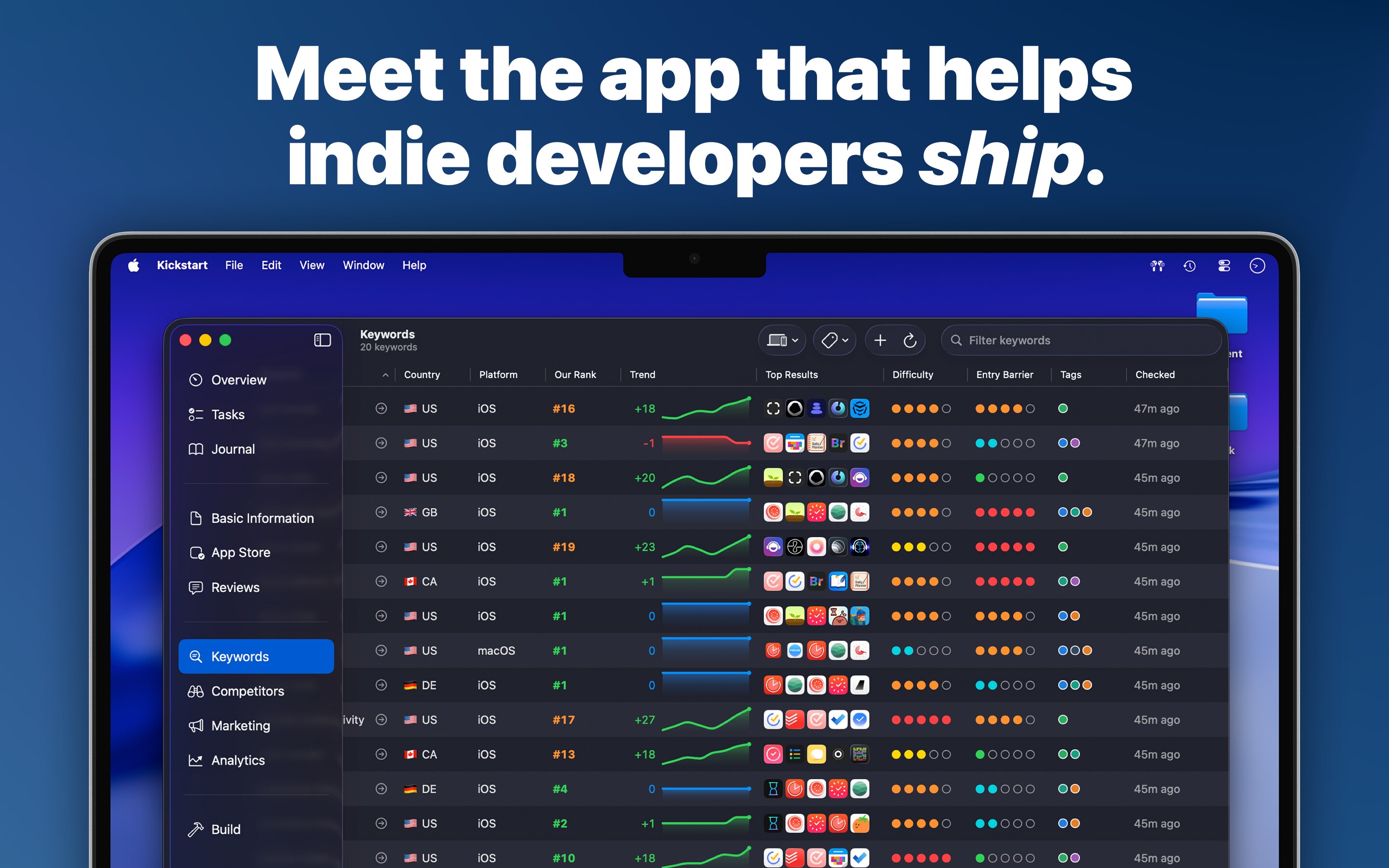
I appreciate all the replies and reposts 🙇♂️ Kickstart will be released in exactly three weeks, but you can preorder today here: https://apps.apple.com/app/kickstart-app-accelerator/id6758355178
Sunday Build with HWS+: Build a live Markdown previewer for macOS using test-driven development from start to finish. #SundayBuild https://www.hackingwithswift.com/plus/live-streams/livescribe
Catch the error, *then* what? #expect(throws:) and #require(throws:) in Swift Testing return the error directly, so you can inspect it separately from the throw check itself. https://www.hackingwithswift.com/swift/6.1/swift-testing-errors-expect
@rmondello@hachyderm.io I saw this and thought of you. https://apple.news/AOMs_ZOZTSLuHxkeLRBWq4A
Today's Hacking with Swift+ live stream starts in four hours – come and build a complete app from scratch! https://www.hackingwithswift.com/plus