Drafts 53 is out! Flag types/colors and a bunch of fixes.
Details: https://forums.getdrafts.com/t/drafts-53-released-flag-types/16819
 mastodon 4.5.11
Drafts is where text starts on iPhone, iPad, Mac, and Apple Watch.

Drafts 53 is out! Flag types/colors and a bunch of fixes.
Details: https://forums.getdrafts.com/t/drafts-53-released-flag-types/16819
Drafts 52 is out!
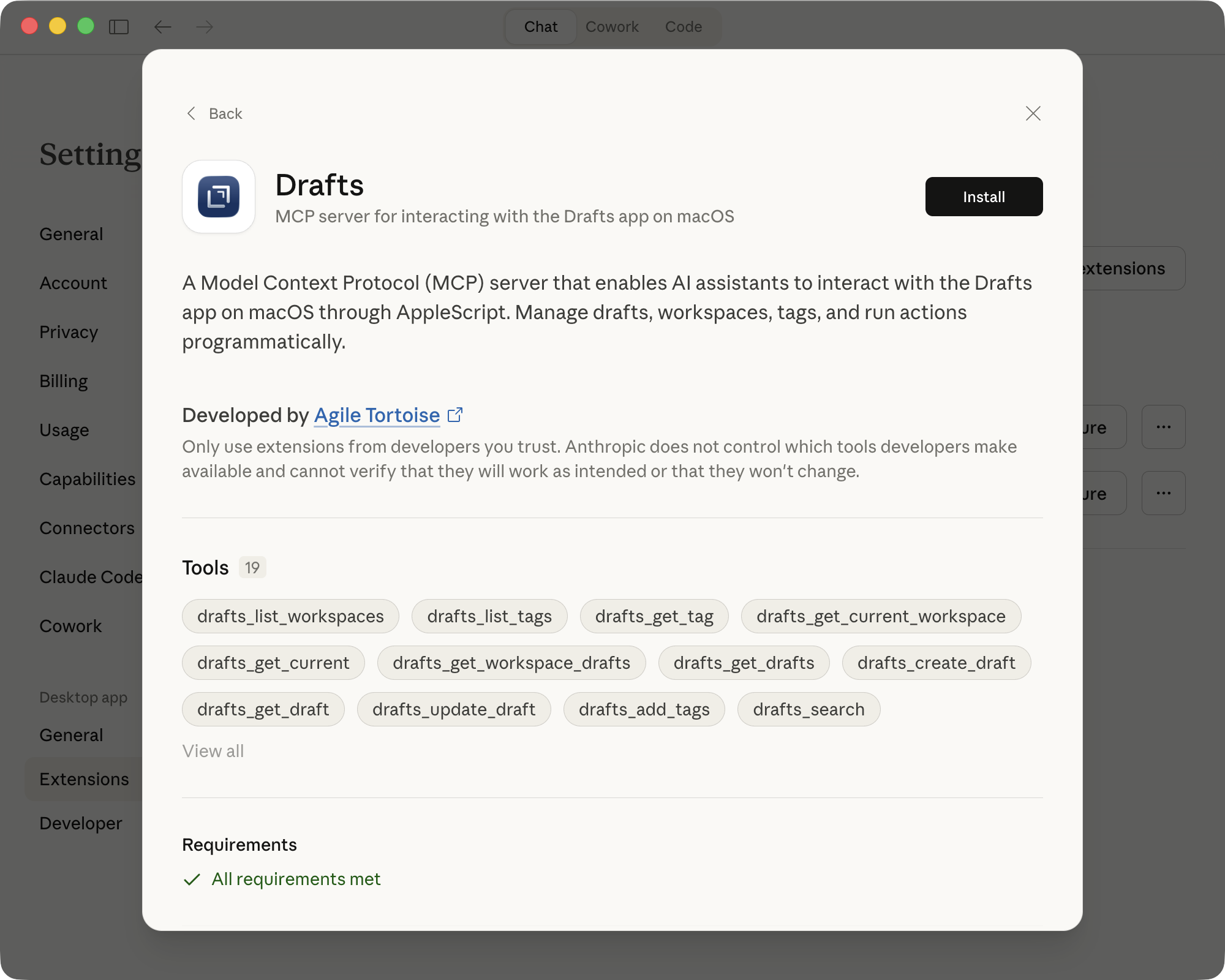
Advanced Data Protection support (*read details if you use ADP*), MCP Server and Command-Line interface, various fixes.
IMPORTANT: Update all your devices! New data changes require all versions be updated to sync.
Details: https://forums.getdrafts.com/t/drafts-52-is-out-advanced-data-protection-support-and-more/16752
FYI: iOS 27 (at least as of beta 2) has a bug causing Drafts to crash when opening Editor Settings. Hopefully, Apple will address in a beta update soon. Just be aware if you are thinking of installing the iOS beta.
These are pretty great!
@flohgro@social.lol
Drafts 51 is out! Editor performance improvements, return of the Workspace/Action Group bars, Action Bar improvements.
Details: https://forums.getdrafts.com/t/drafts-51-is-out-editor-performance-action-bar-improvements/16586
The Drafts MCP server project has been extended to also include a `drafts` command-line interface option to provide terminal commands that offer the same abilities to create, update, and query your Drafts Library as the MCP server.
Details: https://forums.getdrafts.com/t/drafts-mcp-command-line-interface/16602
Any combination of two of the below work great together. All three to not:
If you use Drafts and Reduce Transparency, maybe hold off on the iOS beta, or you will get blank text in the editor.
If you have installed the iOS beta, turn off Reduce Transparency to workaround.
Apple Folks: FB22153022
Starting with Drafts 51, it is possible to temporarily collapse the Action Bar (buttons above keyboard) on iOS 26 to reduce distractions while editing.
To do so:
* Long-press the downward arrow button to the right of the Action Bar for options menu.
* Tap the `>>` to collapse the bar to a minimal size.
* When done, use the `<` to re-expand the bar.
TIP: Did you know you can collapse the Action Bar on iOS if you just want to get it out the way while working on an editing session?
https://forums.getdrafts.com/t/tip-collapse-action-bar/16587
Neat post on using Drafts as a quote library: https://blog.warrenweb.net/using-drafts-as-a-quote-library/
TIP: Prefer an alternative to menus for quickly accessing your workspaces? Enable the workspace bar (requires iOS 26) - back by popular demand in Drafts 51!
ATTN: System and Sync Requirements Changing for Drafts 52
TLDR; When updating to Drafts 52 in the coming weeks, update the app on all your devices. macOS 11 (Big Sur) will no longer be supported.
Details: https://forums.getdrafts.com/t/system-and-sync-requirements-for-drafts-52-and-greater/16738
POLL: For Drafts users…do you use Apple's Advanced Data Protection (ADP) on your iCloud account?